Console repair in Pleasant Grove

PlayStation, Xbox, Nintendo Switch, and handheld console repair help.

Start with the console model, symptom, and what happened before the failure. FixMY reviews HDMI, power, thermal, storage, software, controller, and physical damage requests before recommending the next step.

Timing

Console HDMI, power, thermal, storage, and controller repairs commonly need two to five business days after diagnosis and parts confirmation. Board-level damage or special-order parts can take longer.

Warranty

Lifetime parts-only coverage on eligible non-OEM parts plus a 90-day workmanship warranty.

Local Console Repair Help

Based in Pleasant Grove, Utah, FixMY helps gamers across Utah County with console repair requests. HDMI damage, no video, no power, overheating, failed updates, storage issues, and controller problems all start with the model, symptom, and what happened before the failure.

Lifetime parts-only coverage on eligible non-OEM parts plus a 90-day workmanship warranty. Console timing depends on diagnosis, board condition, port damage, thermal behavior, and whether parts need to be ordered.

Quote confidence

Console quotes depend on video, power, heat, and storage behavior

HDMI, no-video, no-power, overheating, and update failures can point to more than one failure, so intake notes matter.

Usually quoteable from details

Clean screen damage, battery replacement, known part requests, and model-specific parts can often be estimated after FixMY has the exact model and condition notes.

  • Exact model is known
  • Single obvious failure
  • No liquid or no-power symptoms
  • Photos show visible damage

Inspection first

Some symptoms should start as diagnostics because the visible problem may not be the root failure.

  • Liquid exposure
  • No power or boot loop
  • Intermittent charging
  • Overheating
  • Storage or data concerns

Parts or model dependent

Some repairs depend on part tier, calibration, adhesive work, board condition, or special-order availability.

  • Foldables and premium screens
  • Tablets and laptops
  • Game consoles
  • Board-level symptoms
Before you contact us

Console details that make diagnosis faster

Send the model, light or fan behavior, error codes, power state, tested cables/displays, and whether saves or storage matter.

Exact model

Send the brand, model, generation, size, or model number if you can find it.

Main symptom

Describe the first thing that failed: screen, battery, charging, power, data, heat, audio, or controls.

Power state

Tell FixMY whether it powers on, shows a logo, charges, overheats, loops, or stays completely dead.

Damage history

Mention drops, bending, liquid exposure, swelling, previous repairs, or recent charger/cable changes.

Photos and urgency

Photos help when damage is visible. Include whether the repair is urgent or quote-first.

Private details

Do not send passcodes, private credentials, payment details, or unnecessary private notes in public forms.

Supported hardware

Console and handheld repairs

Use the repair assistant if your exact model is not listed. Choose diagnostic help when the symptom has more than one possible cause.

Supported consoles

  • PlayStation 5 and PlayStation 4
  • Xbox Series X/S and Xbox One
  • Nintendo Switch, Switch OLED, and Switch Lite
  • Steam Deck and handheld gaming PCs
  • Controllers, docks, and related accessories when relevant

Common console issues

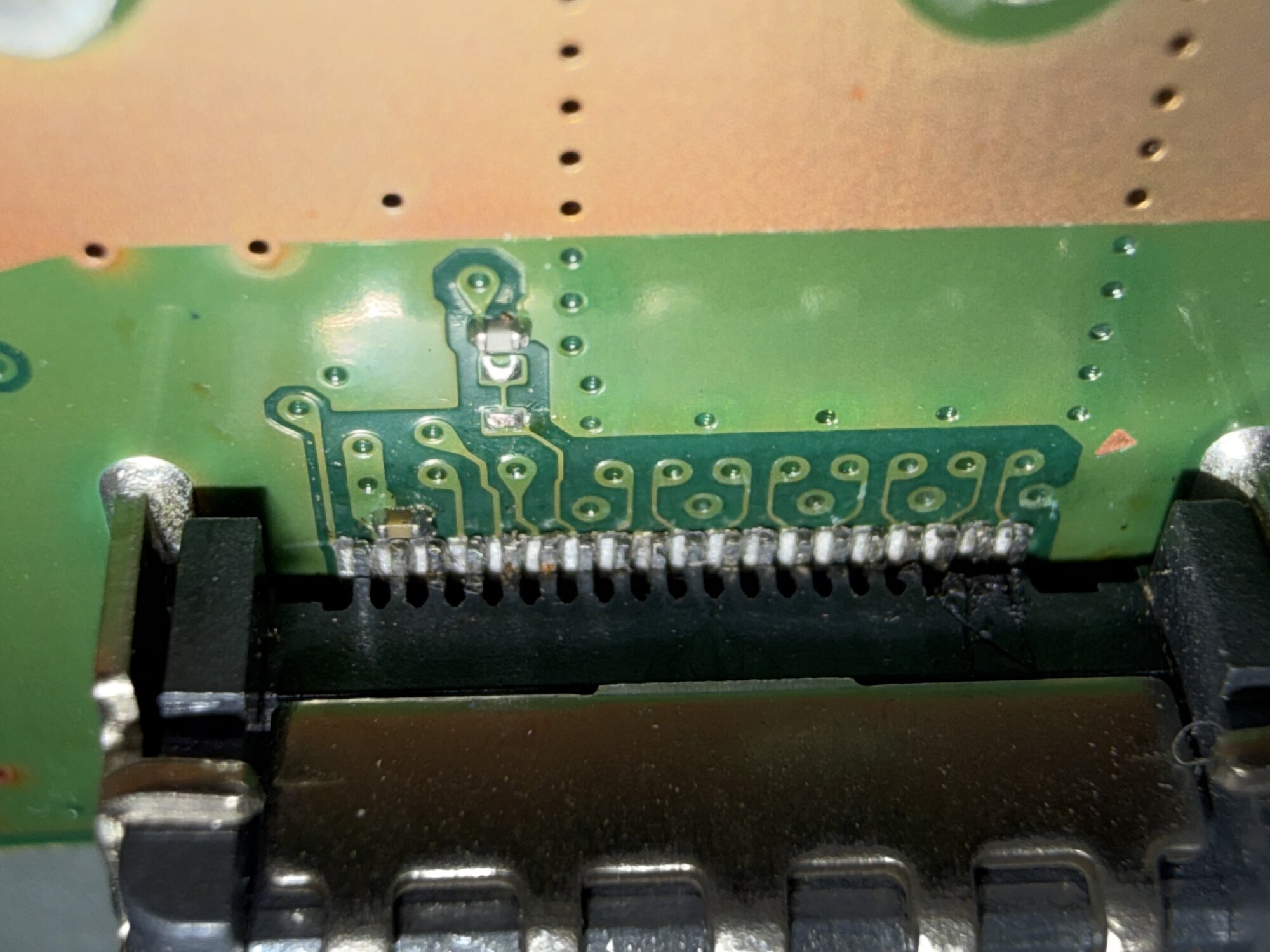
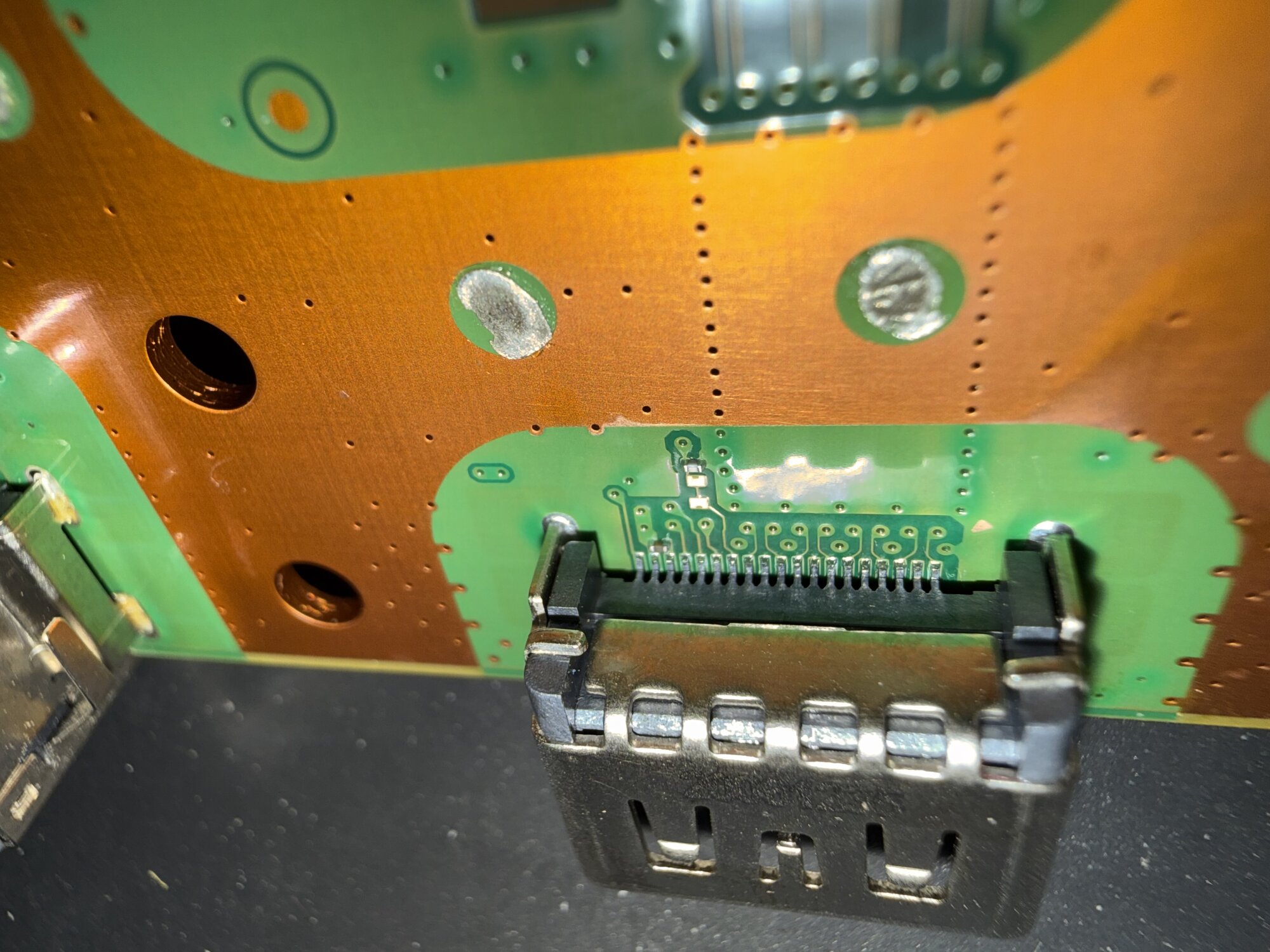
  • HDMI port damage, no signal, or intermittent video
  • No power, instant shutdown, or power supply symptoms
  • Overheating, loud fan behavior, or thermal shutdowns
  • Storage, update, boot, or software failures
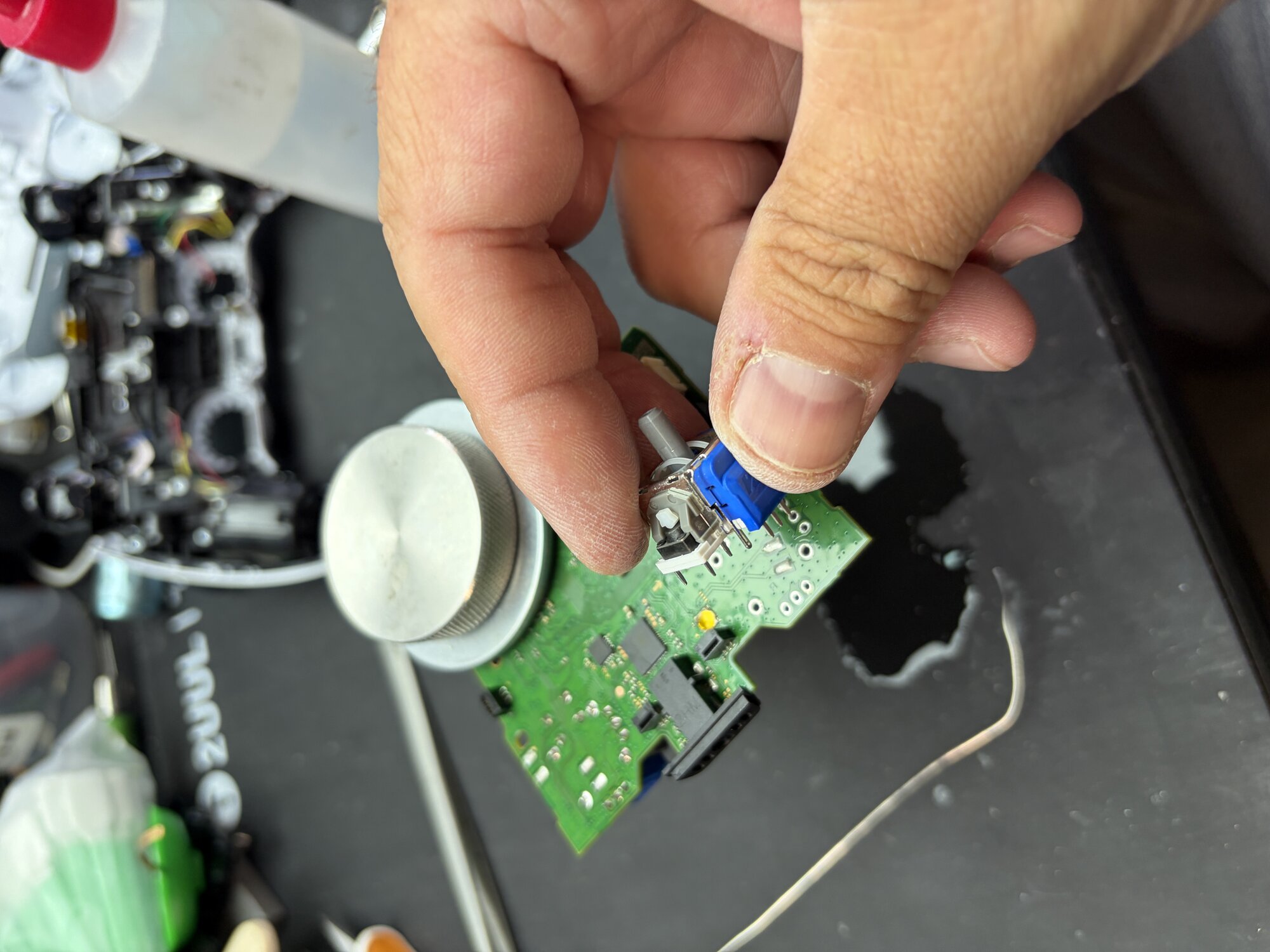
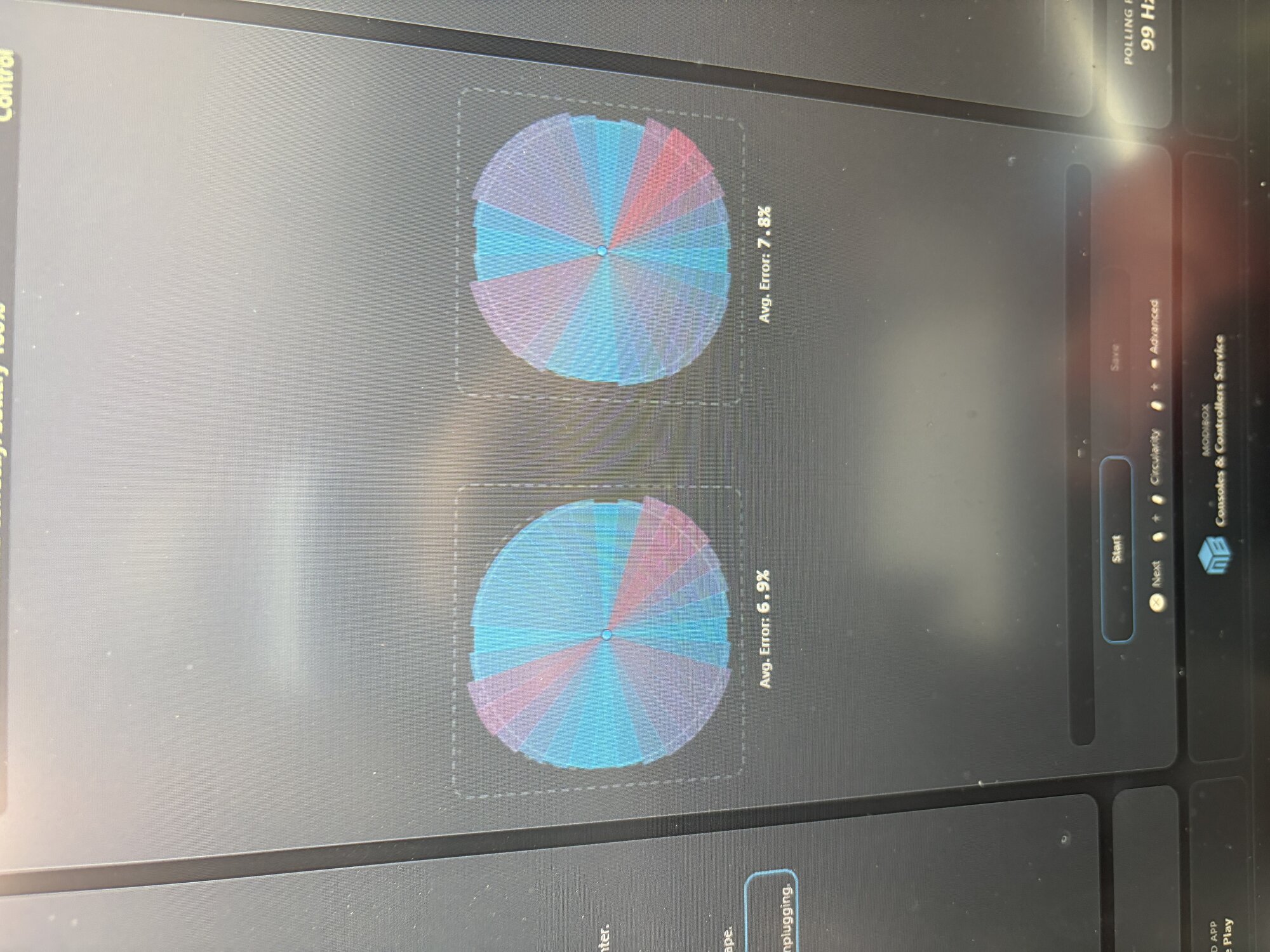
  • Controller drift, charging, pairing, or button issues
  • Physical damage, liquid exposure, and diagnostic requests
Before you start

Console details that make diagnosis faster

Include the model, cable/accessory tests, error codes, lights, fan behavior, and whether saved data or storage matters.

Bring the power cable, HDMI cable, dock, or controller if it may be part of the issue.
Do not keep powering on a console that overheats, sparks, smells burnt, or repeatedly shuts off.
Write down any error codes or update messages before the console is unplugged.
If game saves matter, mention storage or data concerns before deeper repair starts.
FAQs

Console repair questions

How long does console repair take?

Console repairs commonly need two to five business days after diagnosis and parts confirmation. HDMI, board-level, storage, and special-order repairs can take longer.

What should I send before bringing in a console?

Send the console model, the main symptom, any error code or light behavior, whether the fan starts, and whether another HDMI cable, power cable, display, or controller was tested.

Do you repair older consoles?

FixMY focuses on listed current and recent consoles first, but you can still ask about older or specialty devices through the repair assistant.

Where are you located?

FixMY is based in Pleasant Grove, Utah, serving listed Utah County and confirmed edge communities. Call, text, or start a request before arranging next steps.

Call Text Book