Smartphone Repair
Smartphone repair requests for common brands including iPhone, Samsung, Google Pixel, and more.
- Cracked screen replacement
- Battery replacement
- Charging port repair
- Water damage repair
Choose the listed community closest to you, then tell us what device broke and what happened. FixMY stays contact-first before arranging next steps.
Please call, text, or start a repair request before arranging next steps.
Mon-Fri 9:30 AM to 6:00 PM, Sat 11:00 AM to 2:00 PM, Sun Closed
Lifetime parts-only coverage on eligible non-OEM parts plus a 90-day workmanship warranty.
The city tells FixMY where the request starts. The model, symptom, power state, visible damage, and urgency tell us what to inspect next.
Smartphone repair requests for common brands including iPhone, Samsung, Google Pixel, and more.
Game console repair requests for PlayStation, Xbox, Nintendo Switch, and more.
Tablet repair requests for iPad, Samsung Tab, and other tablet brands.
Computer repair requests for laptops and desktops, including Mac and PC.
Model, symptom, power state, liquid/drop history, photos, and urgency help FixMY decide whether you need a quote, inspection, or repair.
Send the brand, model, generation, size, or model number if you can find it.
Describe the first thing that failed: screen, battery, charging, power, data, heat, audio, or controls.
Tell FixMY whether it powers on, shows a logo, charges, overheats, loops, or stays completely dead.
Mention drops, bending, liquid exposure, swelling, previous repairs, or recent charger/cable changes.
Photos help when damage is visible. Include whether the repair is urgent or quote-first.
Do not send passcodes, private credentials, payment details, or unnecessary private notes in public forms.
See real devices, symptoms, and repair outcomes before you send yours in.
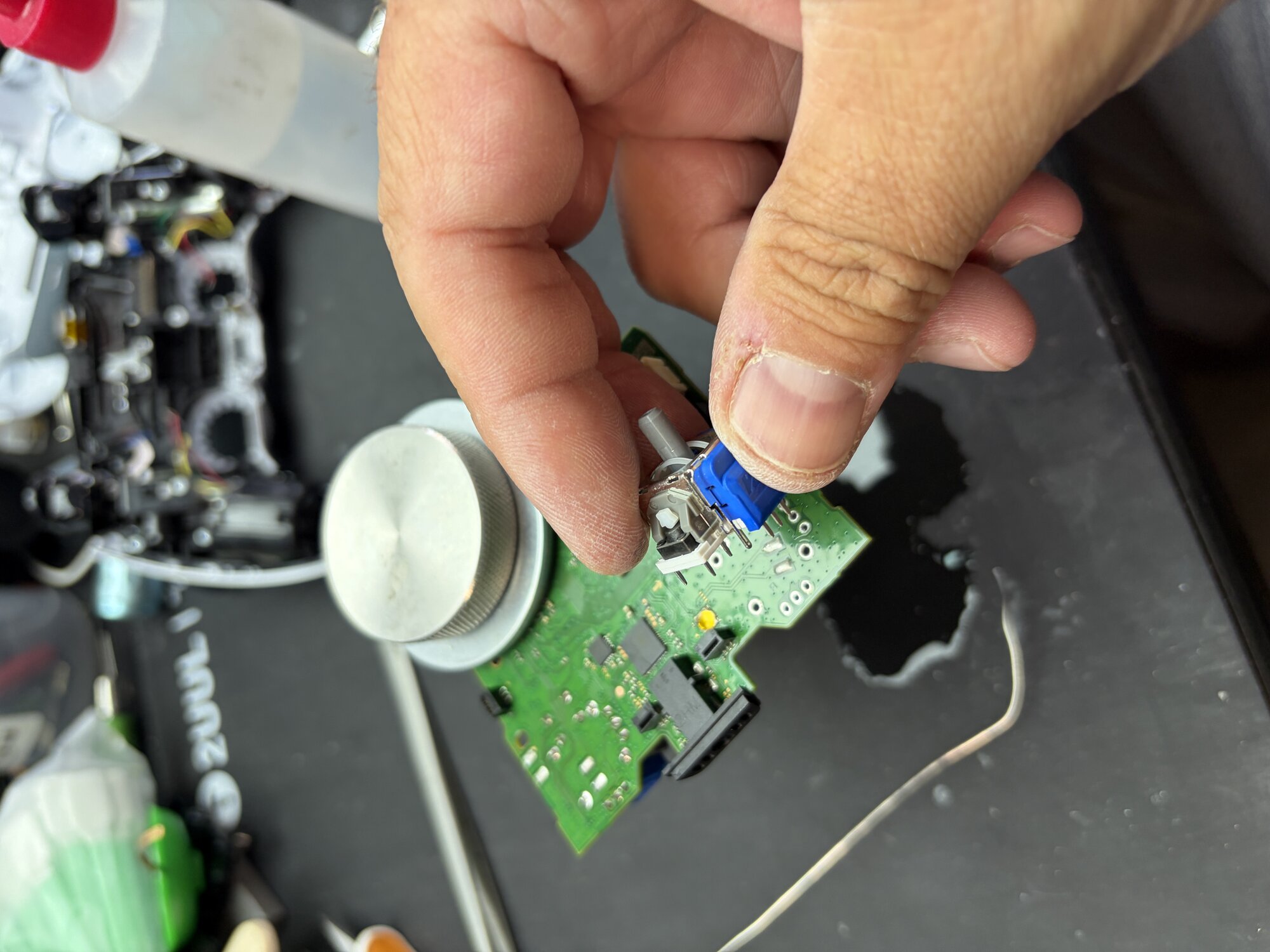
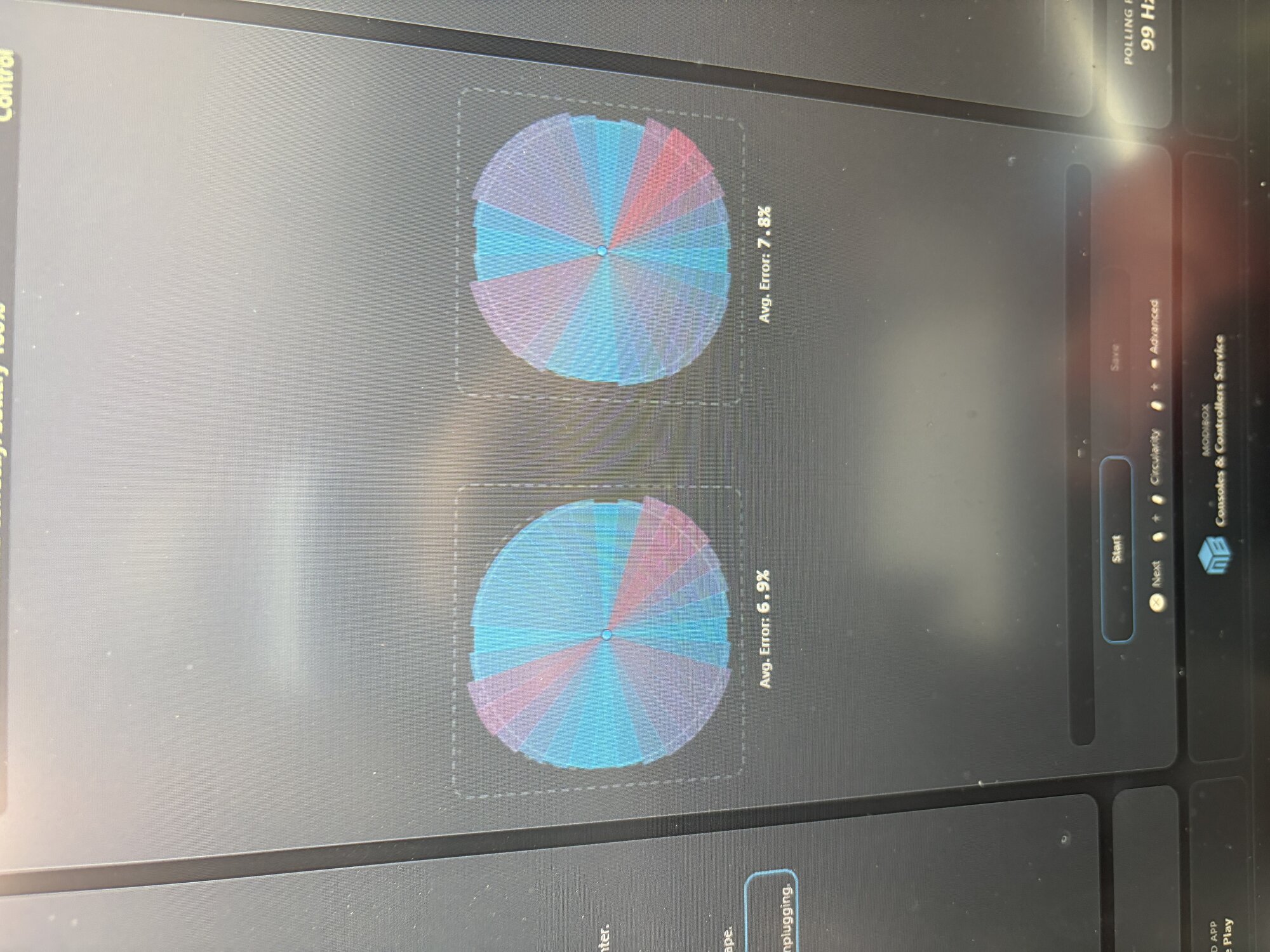
A customer from Sandy, Utah brought in a PlayStation 5 DualSense controller with severe stick drift that remained even after cleaning and software calibration attempts. We replaced the worn analog modules with precision TMR Hall Effect sticks, eliminating the drift and restoring smooth, accurate control.
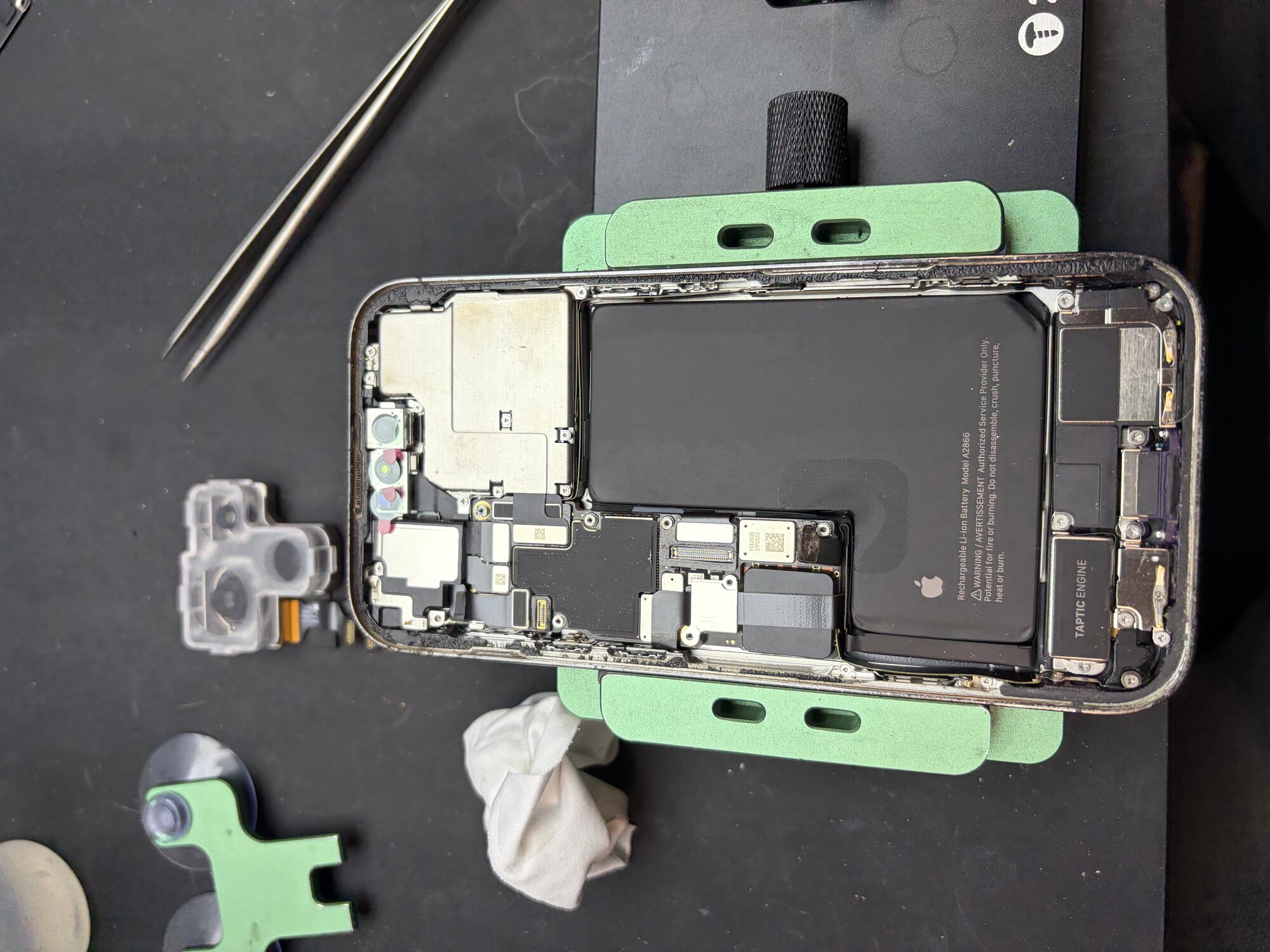
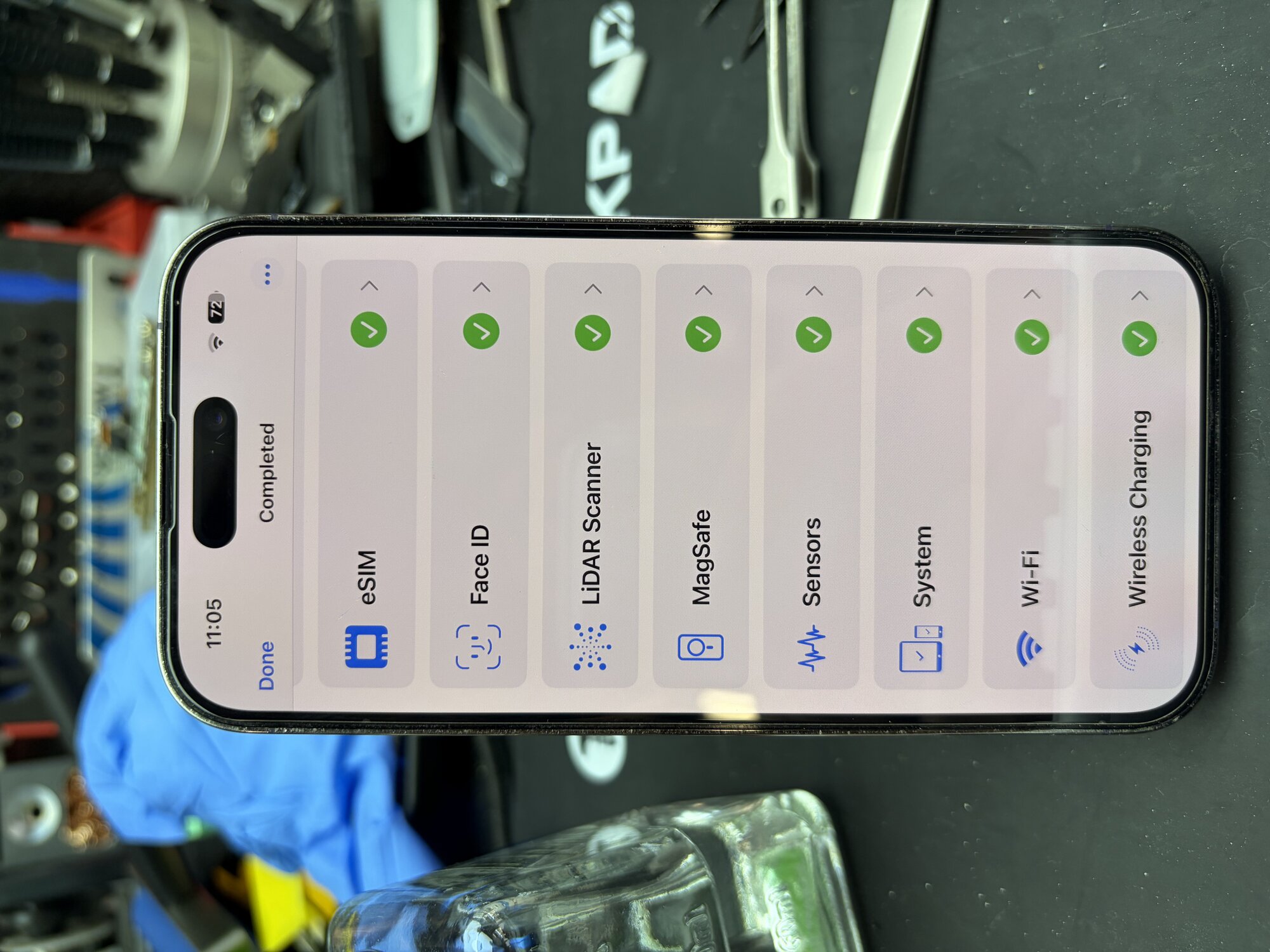
An iPhone 14 Pro customer from Orem, Utah was experiencing rear camera issues affecting photo and video quality. After diagnosis, we replaced the faulty rear camera assembly, restored full camera functionality, and completed post-repair testing.
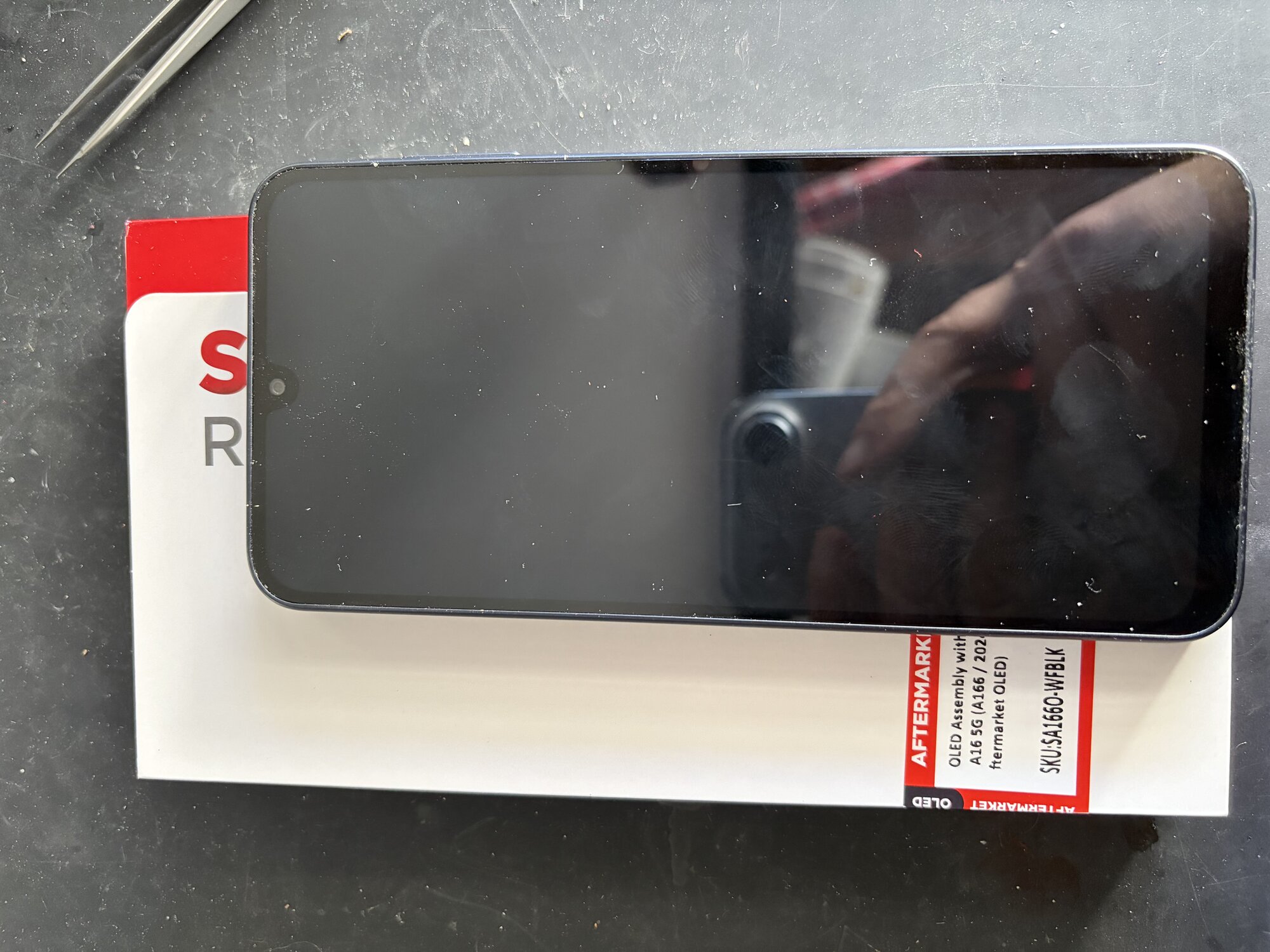
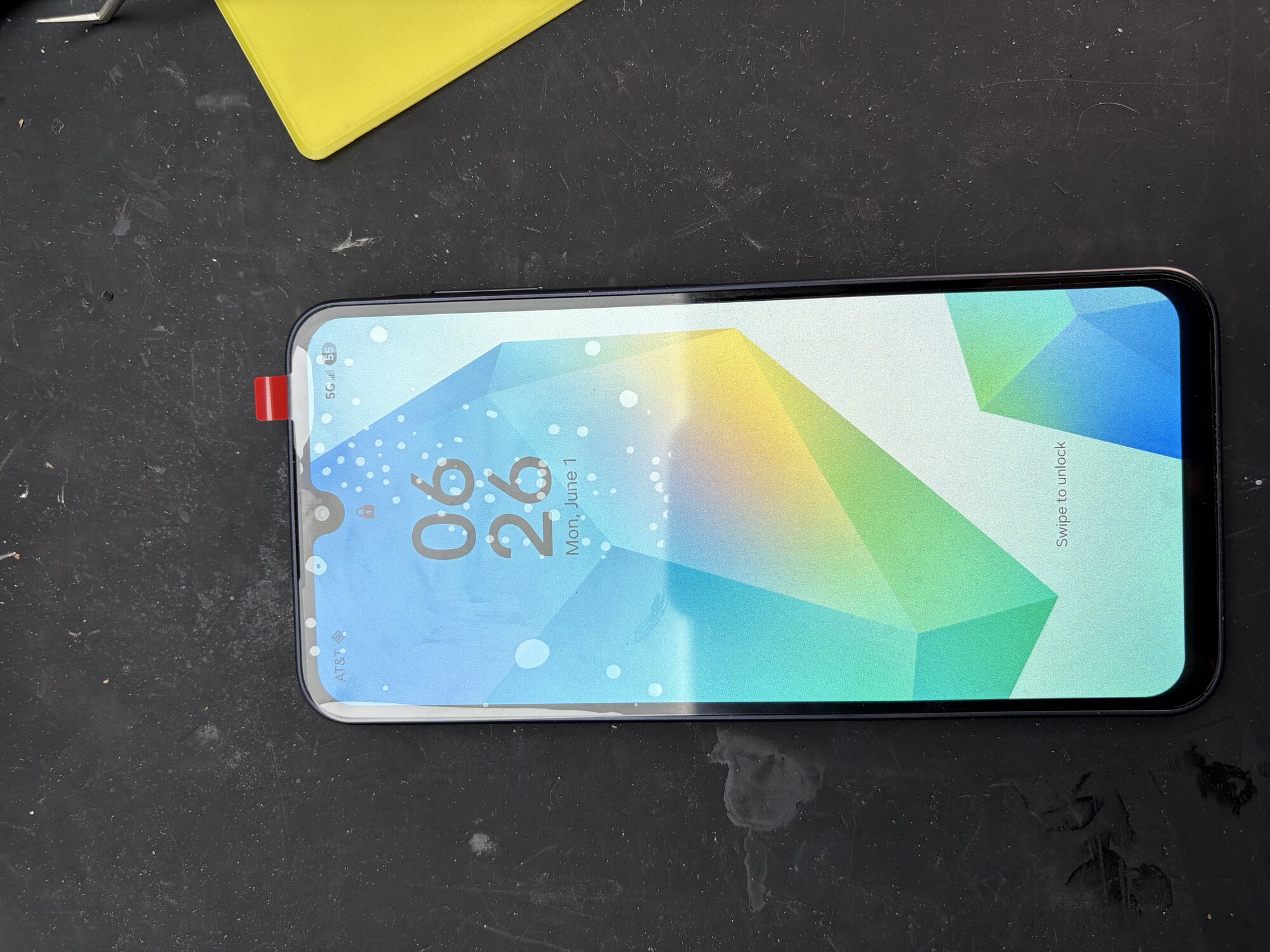
A customer from South Jordan, Utah brought in a Samsung Galaxy A16 5G with a completely black display. After diagnosing the device and confirming the display FPC connector was functioning properly, we determined the OLED panel itself had failed. We installed a premium aftermarket OLED assembly, fully tested the device, and restored normal display and touch functionality, getting the customer back up and running the same day.
Each city links to the device categories currently listed for local repair intake.
Utah County, UT - 84004
Utah County, UT - 84003
Utah County, UT - 84062
Utah County, UT - 84003
Utah County, UT - 84043, 84045
Utah County, UT - 84042
Utah County, UT - 84062
Utah County, UT - 84045
Utah County, UT - 84013
Utah County, UT - 84013
Utah County, UT - 84059
Utah County, UT - 84057, 84058, 84059, 84097
Utah County, UT - 84601, 84602, 84603, 84604, 84606
Utah County, UT - 84664
Utah County, UT - 84651
Utah County, UT - 84651
Utah County, UT - 84653
Utah County, UT - 84653
Utah County, UT - 84655
Utah County, UT - 84655
Utah County, UT - 84633
Utah County, UT - 84660
Utah County, UT - 84663
Salt Lake County / Utah County edge, UT - 84065
Salt Lake County / Utah County edge, UT - 84020, 84043
Utah County, UT - 84005, 84045
The goal is to collect enough useful detail before anyone has to guess what repair or inspection is needed.
Tell us the city or ZIP that matches where the device is coming from.
Phone, tablet, computer, and console repairs each need different model and symptom details.
Power state, liquid exposure, visible damage, data urgency, and timing needs help FixMY choose next steps.